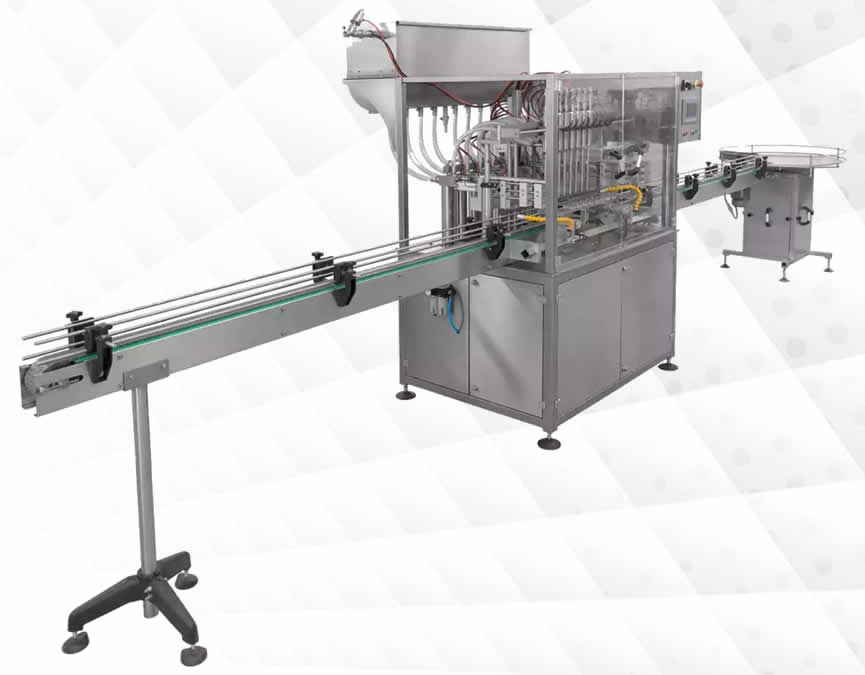
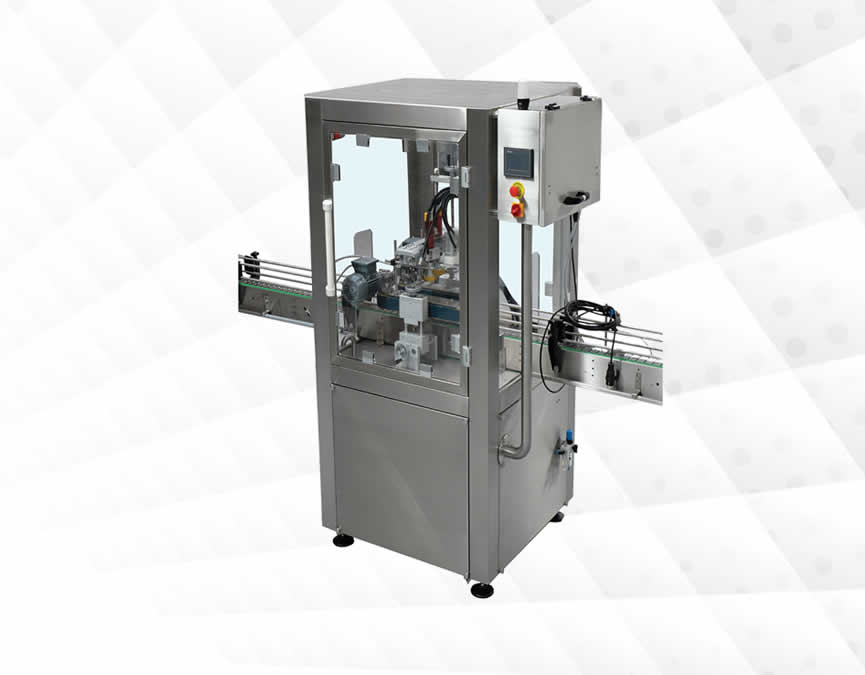
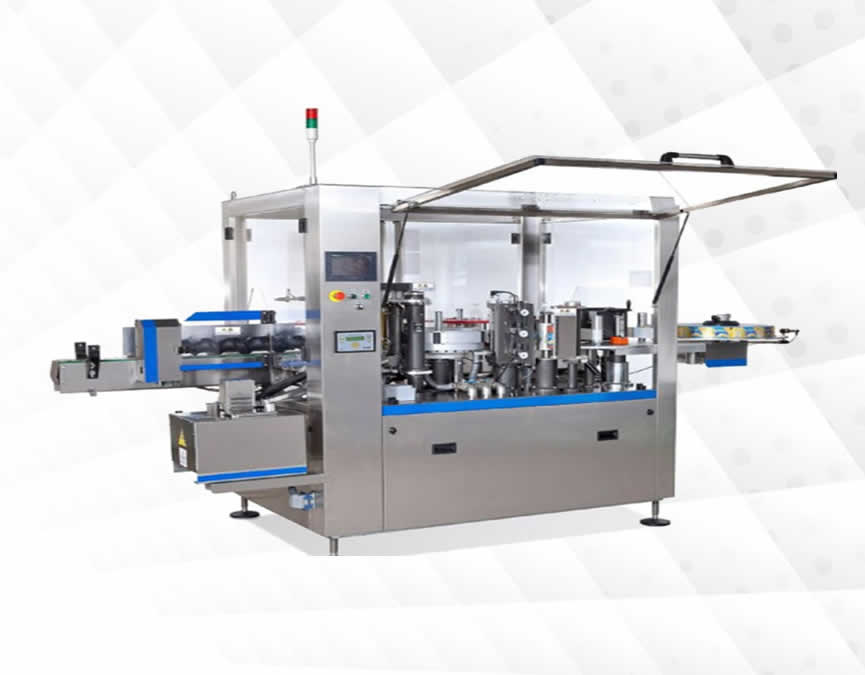
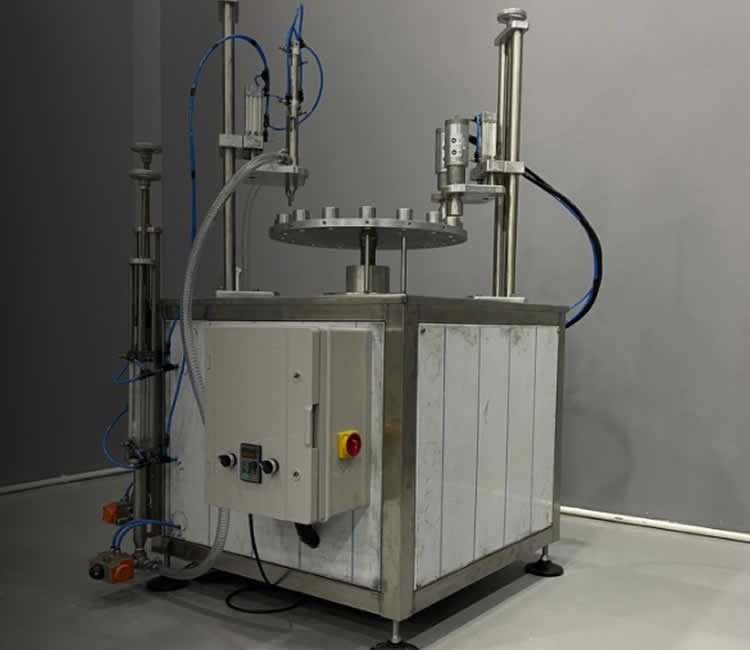
Dolum Makinaları
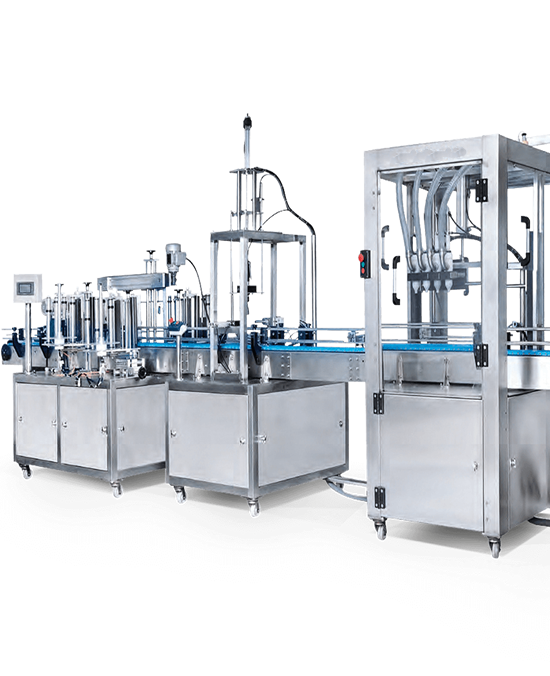
CesurmakinaTam Dolum Makinaları
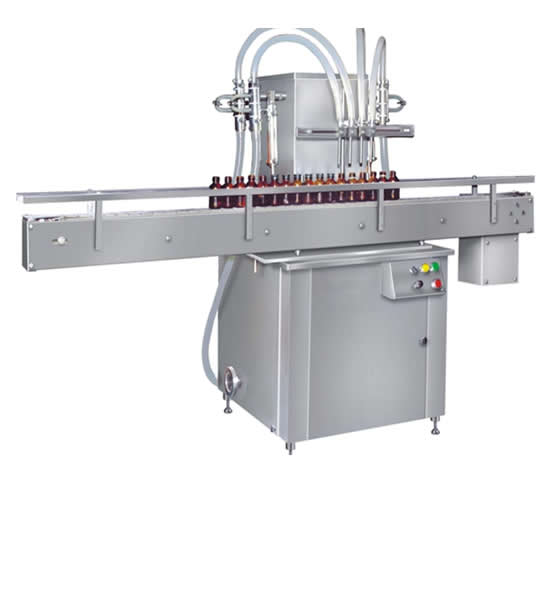
Sıvı Dolum MakinalarıÜrünlerimizi İncelemek
İçin Tıklayınız
Tam OtomatikSıvı Dolum Makinaları
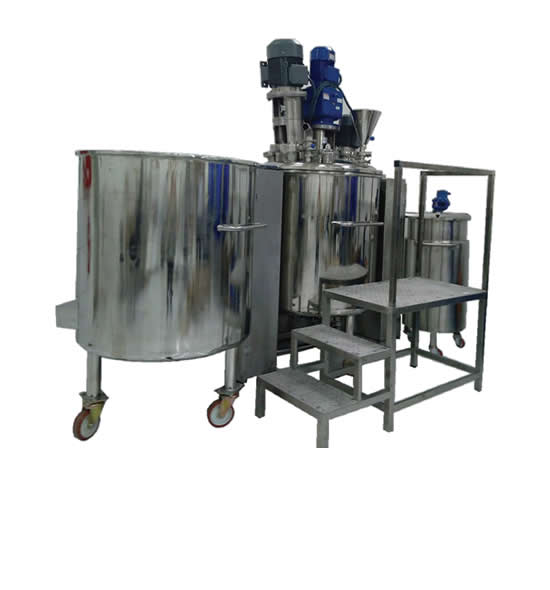
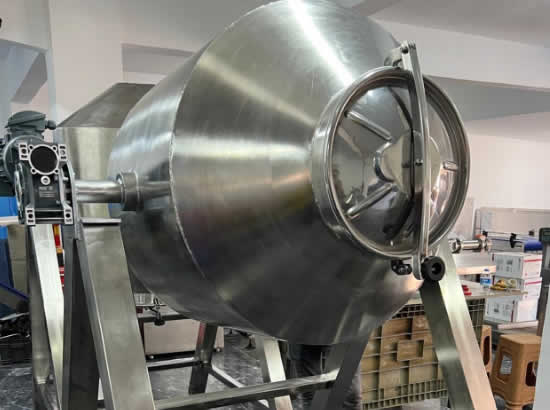
CesurmakinaDolum Kazanları
Dolum Kazan Ve Tanklarını İncelemek
Dolum Tankları - DolumKazanları
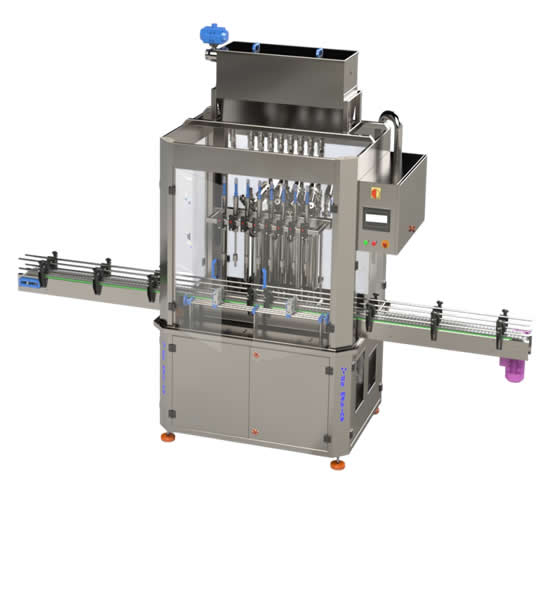
Tam Otomatik DolumMakinalarını İncelemek
Tam Otomatik DolumMakinaları
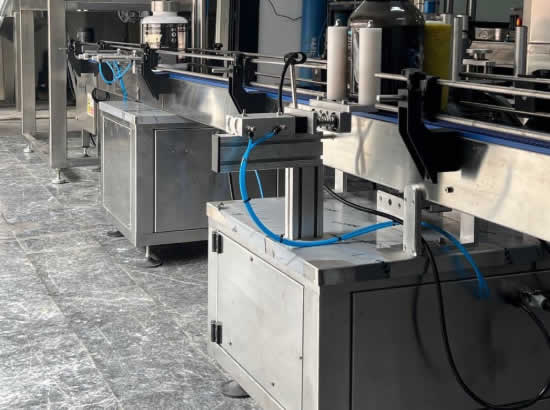
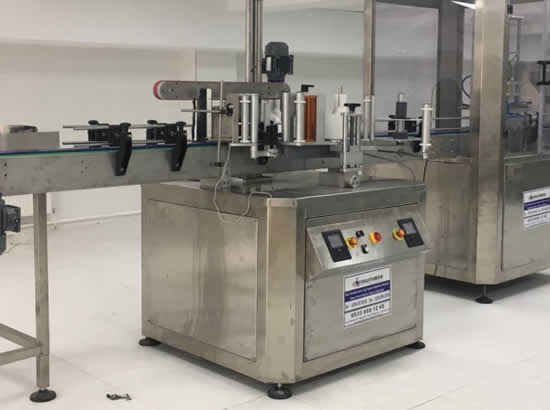
CESUR ve ATILIM MAKINA'NIN YAPTIGI SIVI DOLUM MAKINALARININ ÇESITLI ÜRÜNLER ÖZELLIKLE GIDA VE KOZMETIK ÜZERINE 1992 YILINDANITIBAREN ÖZENLE YAPTIKLARI BU TIP ÜRÜNLERDE YÜKSEK TECRÜBESINE DAYANARAK SIZE HIZMET VERMEKTEN ONUR DUYAR.."Cesur Makina Sıvı,Katı Dolum Makinaları!"
Doldurabileceğimiz ürünler ;
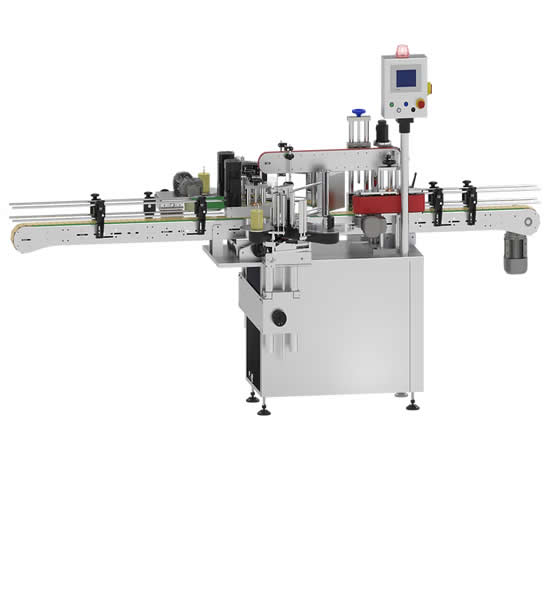
Kapak kapatilebileceğimiz ürünler ;
Bu gibi kapakların benzeri kapak kapatma özelliğine sahiptir.
Dolum yapabileceğimiz kaplar ;
Warp is mainly a CSS/HTML framework for Joomla that provides a toolbox of functionalities using PHP and JavaScript. We created it to provide web developers and designers with a set of tools to take off their shoulders what has to be done for every project over and over again, so they can focus on the unique tasks that come with their specific web development project.
Below you find all the CSS, PHP and JavaScript features provided by the Warp framework. Also, learn more about the menu system and the module system.
Our CSS/HTML Framework creates a very robust and flexible layout based on web standards. It is easy-to-use, search engine friendly and cross browser compatible.
Our PHP code base for the Warp framework adds a lot of awesome features that aren't possible with standard Joomla templates. It takes your template customizations to the next level.
Here is a list of the JavaScript key features provided by the Warp framework. You can customize this template by using a lot of smooth animations and fancy effects.
This template is based on the Warp5 framework. Warp5 is a slick and powerful template framework for Joomla that lets you create sophisticated Joomla templates in no time. It provides a hybrid fluid-pixel grid and all the elaborate functionalities that make our templates easy to edit, nice to look at and super fast, in every browser. Take a look at all the features...
The menu system enhances Joomla's menu functions to create clearly arranged interfaces even for comprehensive sites. Learn more...
The module system provides a clear grid for Joomla modules and a wide diversity of templates for module variations. Learn more...
We included a lot of different module and typography styles. So you can give your site a unique look and it will also ease your work when setting up your content.
This template comes with a wide variety of module stylings in many different shapes and colours. Take a look at all the different module variations.
This templates delivers you sophisticated typography and various stylings. Take a look at the style guide about all possible HTML tag styles.
New to YOOtheme? Don't worry! We provide a lot help to install and cutomize our tempaltes to get you started right away with your web project.
We provide a full Joomla installation package with the demo content of the website for this template. So you can take a look at how everything is set up in the Joomla backend.
The editable fully sliced image source files of this template are available as download. With them you can completely customise your template's look to match your or your client's corporate identity.
This template is fully compatible with all YOOtheme products like the YOOtools, the ZOO and the Teamlog extension.
Learn more about how to install and set up a YOOtheme template and watch this video tutorial.
Lorem ipsum dolor sit amet, consectetur adipisicing elit, sed do eiusmod tempor incididunt ut labore et dolore magna aliqua. Ut enim ad minim veniam, quis nostrud exercitation ullamco laboris nisi ut aliquip ex ea commodo consequat. Duis aute irure dolor in reprehenderit in voluptate velit esse cillum dolore eu fugiat nulla pariatur.
Dropcap: use <p class="dropcap">. Lorem ipsum dolor sit amet, consectetur adipisicing elit, sed do eiusmod tempor incididunt ut labore et dolore magna aliqua. Ut enim ad minim veniam, quis nostrud exercitation ullamco laboris nisi ut aliquip ex ea commodo consequat. Duis aute irure dolor in reprehenderit in voluptate velit esse cillum dolore eu fugiat nulla pariatur.
Default <a> tag <a> with class="icon-folder" <a> with class="icon-file" <a> with class="icon-download" <a> with class="icon-external" <a> with class="icon-pdf" Default <em> <em> with class="box" Default <acronym> Default <abbr>
This is a quote!
Lorem ipsum dolor sit amet, consectetur adipisicing elit, sed do eiusmod tempor incididunt ut labore et dolore magna aliqua. Ut enim ad minim veniam, quis nostrud exercitation Combine Tags with class "inset-right" or "inset-left". Example: <span class=" info inset-right width25">. ullamco laboris nisi ut aliquip ex ea commodo consequat. Duis aute irure dolor in reprehenderit in voluptate velit esse cillum dolore eu fugiat nulla pariatur. Lorem ipsum dolor sit amet, consectetur adipisicing elit, sed do eiusmod tempor incididunt ut labore et dolore magna aliqua.
Ut enim ad minim veniam, quis nostrud exercitation ullamco laboris nisi ut aliquip ex ea commodo consequat. Combine Tags with class "inset-right" or "inset-left". Example: <q class=" blockquote inset-right width25">. Duis aute irure dolor in reprehenderit in voluptate velit esse cillum dolore eu fugiat nulla pariatur. Lorem ipsum dolor sit amet, consectetur adipisicing elit, sed do eiusmod tempor incididunt ut labore et dolore magna aliqua.
Combine Tags with class "inset-right" or "inset-left". Example: <q class=" blockquote inset-right width25">.
Ut enim ad minim veniam, quis nostrud exercitation ullamco laboris nisi ut aliquip ex ea commodo consequat. Possible Width Classes .width15, .width18, .width20, .width23, .width25, .width33, .width35, .width40, .width45, .width50 Duis aute irure dolor in reprehenderit in voluptate velit esse cillum dolore eu fugiat nulla pariatur. Lorem ipsum dolor sit amet, consectetur adipisicing elit, sed do eiusmod tempor incididunt ut labore et dolore magna aliqua. Ut enim ad minim veniam, quis nostrud exercitation ullamco laboris nisi ut aliquip ex ea commodo consequat. Duis aute irure dolor in reprehenderit in voluptate velit esse cillum dolore eu fugiat nulla pariatur.
Ut enim ad minim veniam, quis nostrud exercitation ullamco laboris nisi ut aliquip ex ea commodo consequat. Duis aute irure dolor in reprehenderit in voluptate velit esse cillum dolore eu fugiat nulla pariatur. Lorem ipsum dolor sit amet, consectetur adipisicing elit, sed do eiusmod tempor incididunt ut labore et dolore magna aliqua.
pre { margin: 10px 0 10px 0px; padding: 5px 0 5px 10px; border: 1px dotted #aab4be; border-left: 20px solid #b4b4b4; background: #fafafa; font-size: 90%; color: #2E8B57; font-family: "Courier New", Courier, monospace; /* Browser specific (not valid) styles */ /* to make preformatted text wrap */ white-space: pre-wrap; /* css-3 */ white-space: -moz-pre-wrap; /* Mozilla */ }
The Warp framework provides a flexible module system that handles module types with different templates and styles, letting you display your content anywhere on your site. Of course, the whole 3-column-layout and the fluid module grids are built without using any tables. Almost any column and module layout can be achieved with the Warp framework. Read the following descriptions carefully to learn all about the possibilities offered by the Warp framework.
The Warp framework offers nearly unlimited combinations of module positions. The layout is based on two 3 column layouts, one nested into the other. This provides a wide range of column-based layout combinations, so you can achieve any kind of 1-Column, 2-Column or 3 Column layout and many more possible combinations.
In nearly all module positions you can publish as many modules as possible for your current layout. Surely, you are familiar with this for the vertical module positions like "left" and "right"; but the Warp framework also supports this feature for module positions where the modules are displayed in a horizontal row. The heights of all published modules in a horizontal row get adjusted to match each other.
All module positions are fully collapsible. If there is no module published in a certain position, this module position will contract and disappear.
One outstanding feature of the Warp framework is the possibility to choose between different module proportions for each module position. By default, the module proportions are set to equal. This means that all published modules in a horizontal module position have the same width. But you can also set the module proportions to golden ratio for a specif module position on a specific page. To do that, you have to add MODULENAME-PROPORTION to the page class suffix in the menu item parameters.
The following figures show the different proportions depending on the numbers of published modules.
Module headers can have subtitles to provide a more detailed explanation of the module content. Just use the pipe character twice in the module name. For example "My title || My Subtitle".